

Why does the calibration freezes in 3DeVOK Studio?
1. Potential Marker Interference:
The presence of extraneous marker points near the calibration board or its accessories can cause potential interference, which may stall the calibration process. Please remove any unrelated marker points from the vicinity.
2. Incorrect Board Orientation & Cluttered Environment:
Ensure the calibration board is positioned in the correct orientation as indicated by the software. An incorrectly oriented board can cause calibration to stall.
Keep the area around the calibration board and its accessories clean and free of cluttered objects.
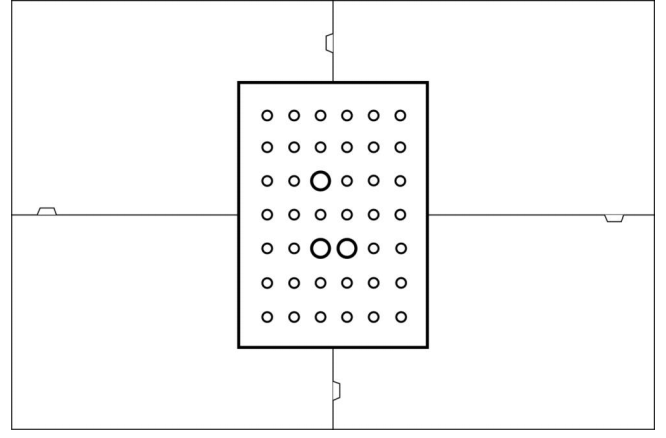
3.The serial number of the calibration board does not match that of the scanner. For instructions on replacing the calibration board, please refer to the FAQ: How to calibrate the 3DeVOK scanner with a non-matching master plate?