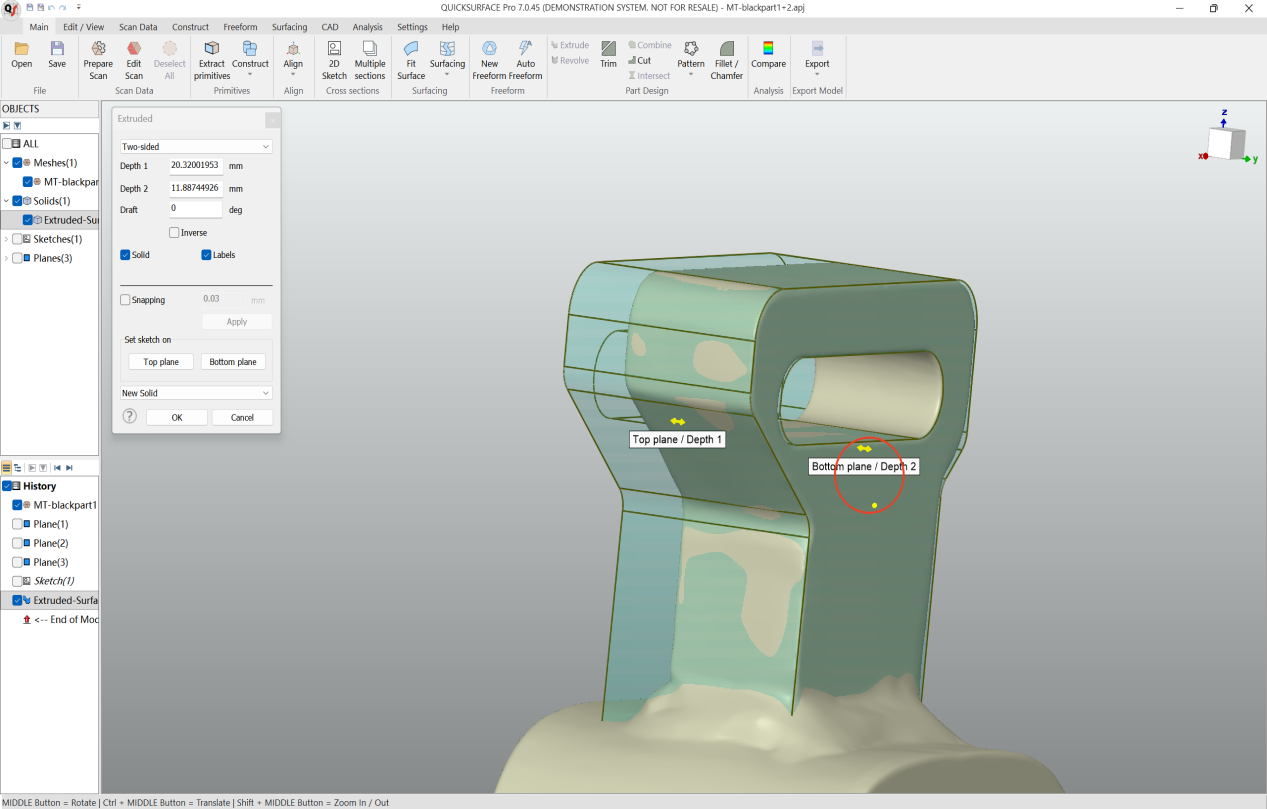
In QUICKSURFACE, what are the quick methods for extruding a 2D sketch?
Within the extrusion feature, first click and drag the yellow arrow on the top or bottom face to freely extrude the solid. While holding down the Ctrl key, move the cursor to the target plane you want to align with—the geometry will snap to it. The same method applies to both the top and bottom faces. Click OK to confirm and finish.